Start tasks with your energy.
Task-starting tools, built first for people with ADHD, that begin with how you feel today instead of streaks or guilt.
- Role
- Product, design, build
- Built with
- Claude Code, Codex, Lovable
- Status
- Mac app and web app working; iPhone version next
The problem
Most task managers assume that starting is the easy part. For many people with ADHD it is the hardest part. A long list freezes you. An hour disappears. Whatever isn't in front of you stops existing. Streaks and guilt make all of that worse.
Neuro comes from personal experience.
What was in the way
- Deciding what to do first is the obstacle. A tool that hands you a long list has already failed.
- Apple's own widgets can't run a live clock or a microphone. So Neuro Widget became a small Mac app that floats on the desktop.
- Resetting had to feel safe. The wins counter starts again each day, but nothing is lost, and a manual reset needs a two-second press so it can't happen by accident.
What I built
One step at a time.
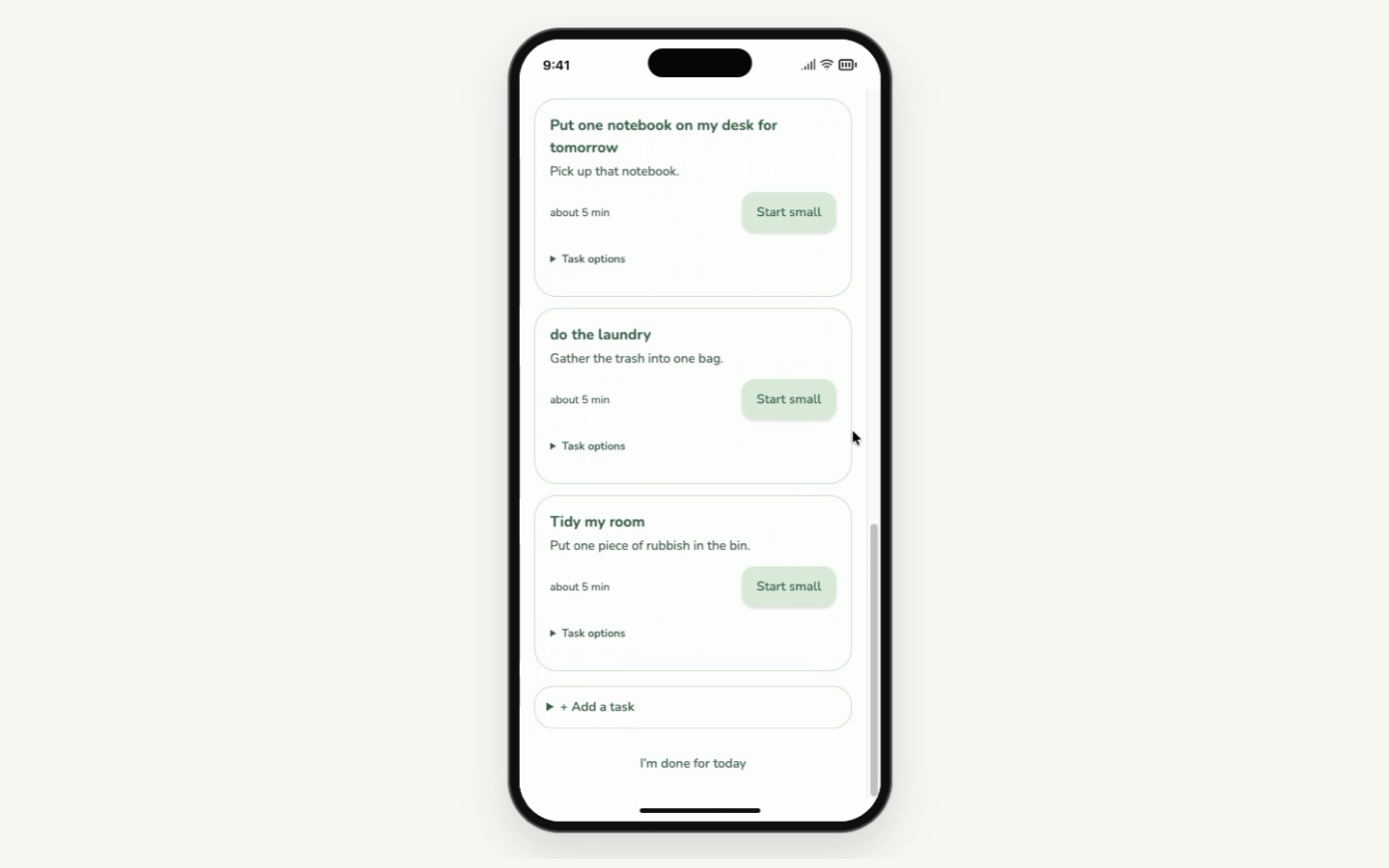
Monday, 9:14. A list of tasks. Zero started.
Sample data only
Neuro is two things today.
The Neuro app
It runs in the browser. It starts with one question: how are you feeling today? Then it asks what you're able to do, and breaks tasks into smaller pieces so you don't have to decide what comes first.
- You can speak instead of type on several screens.
- There are no streaks and no guilt. The daily check-in is optional.
- At the end of the week it shows you how your week felt.
- You can use the built-in moods or describe your own.
Neuro Widget
A small Mac app that keeps one task, one timer and your loose thoughts in view.
- Your one thing: one task on screen, with "Pick for me" when choosing is the obstacle.
- Just start: a five-minute timer and a Pomodoro flip clock.
- Brain dump: catch a thought with a shortcut or your voice, then get back to work.
- Wins in colour: finishing a task plays a colour reaction and adds to a dated wins history.
I mocked up every size and reaction of the widget before building it. I also built a version of Neuro in a time-boxed sprint at the Lovable Halloween Hackathon in October 2026.
What changed
Five people tested the Neuro app. After their feedback I added a close-out screen.
I built the widget in a day and tested it in real use that same evening. Every problem went into Linear before I fixed it: 21 issues, 18 fixed. Three are on hold on purpose. Testing changed the product:
- A wins history with a daily reset, so progress stays visible after the counter starts again.
- Finished notes are filed, not deleted.
- A break looks different from focus at a glance.
What I'd do next
- Live with it before changing it. The three ideas on hold stay there while I use the widget every day. Then someone else tests it. Not everything that looks like a bug or a missing feature belongs in the product. A change has to be worth it for the person using it and for the product.
- Rebuild the iPhone version.
- Keep using the widget every day and decide which notifications help.
- Sign the Mac app so other people can install it.
Next project →